

- Go to the Stripe Dashboard settings for Payment Method Domains.
-
Click on the “Add a new domain” button.

-
Enter
checkout.komerza.comin the domain field.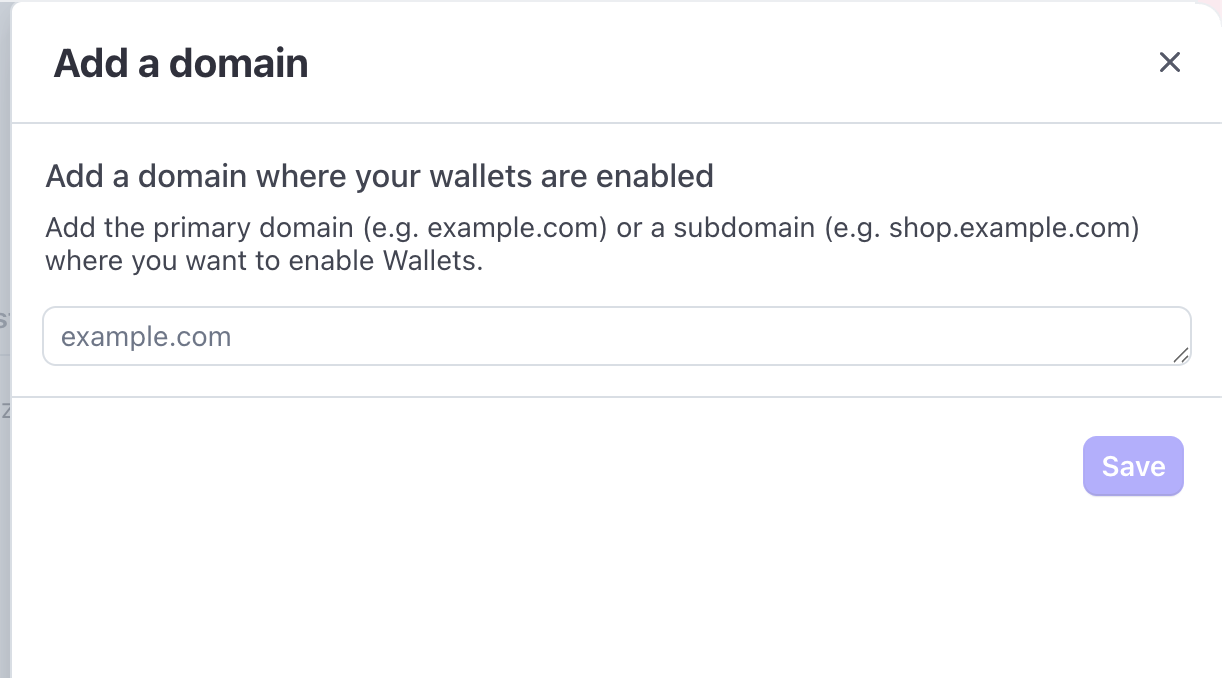
Using Embeds
If you are using Komerza Embeds on your own website, you must also add the domain where the embeds are running.- Click “Add a new domain” again.
- Enter your website’s domain (e.g.,
your-website.com).